

Field Service Report App
Concept app for technicians to log jobs, photos and customer sign-off on site, with supervisor approval on the web.
- Service
- Mobile App
- Status
- Concept
- Delivered by
- Studio concept

Technicians fill in paper forms, send photos in a group chat, and the office types the report again the next day. By the time the customer gets it, nobody is sure which photo belongs to which job.
About this concept
A studio concept for field teams: an app for technicians and a web view for supervisors. It is not a client project, and the imagery is generated.
How it works
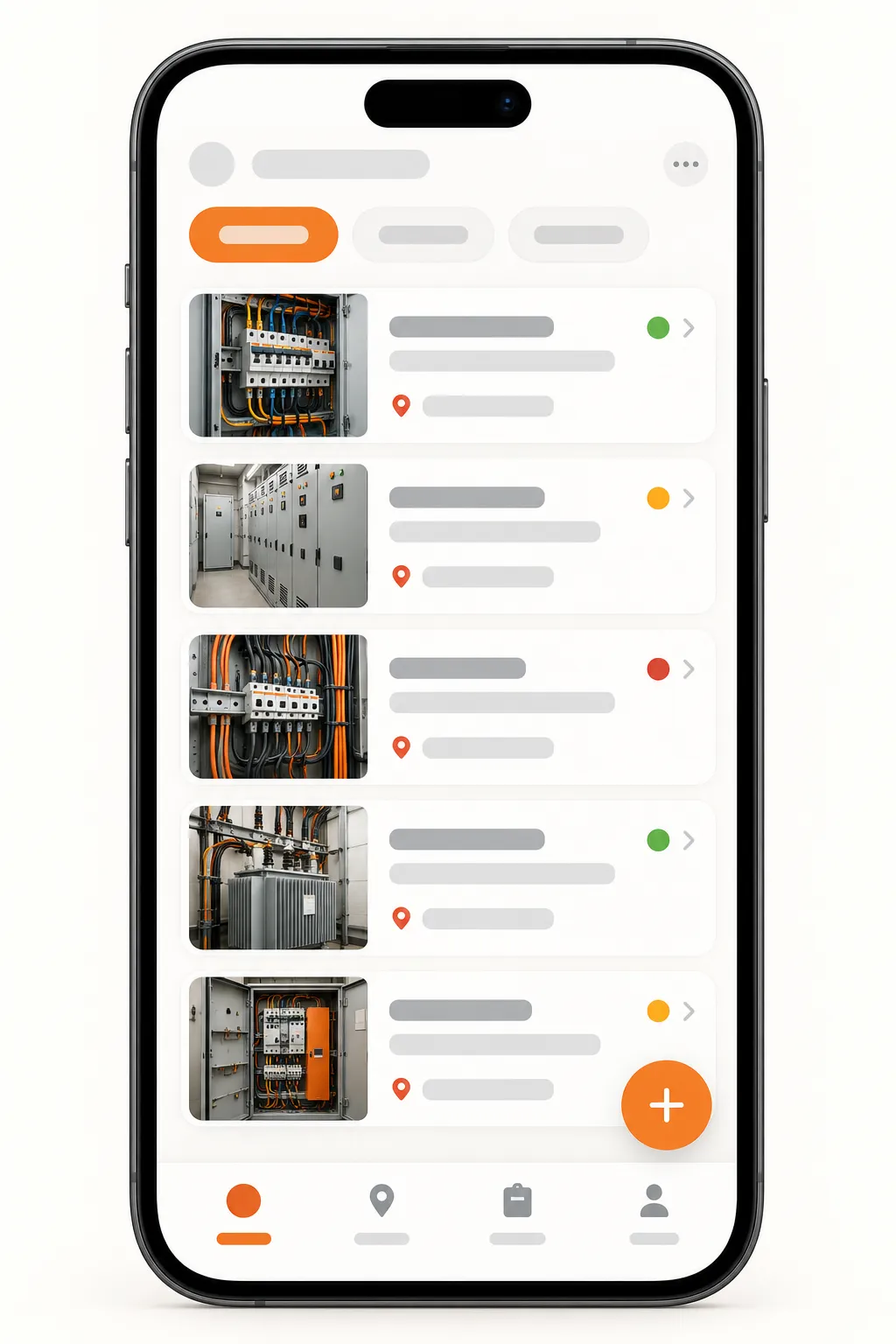
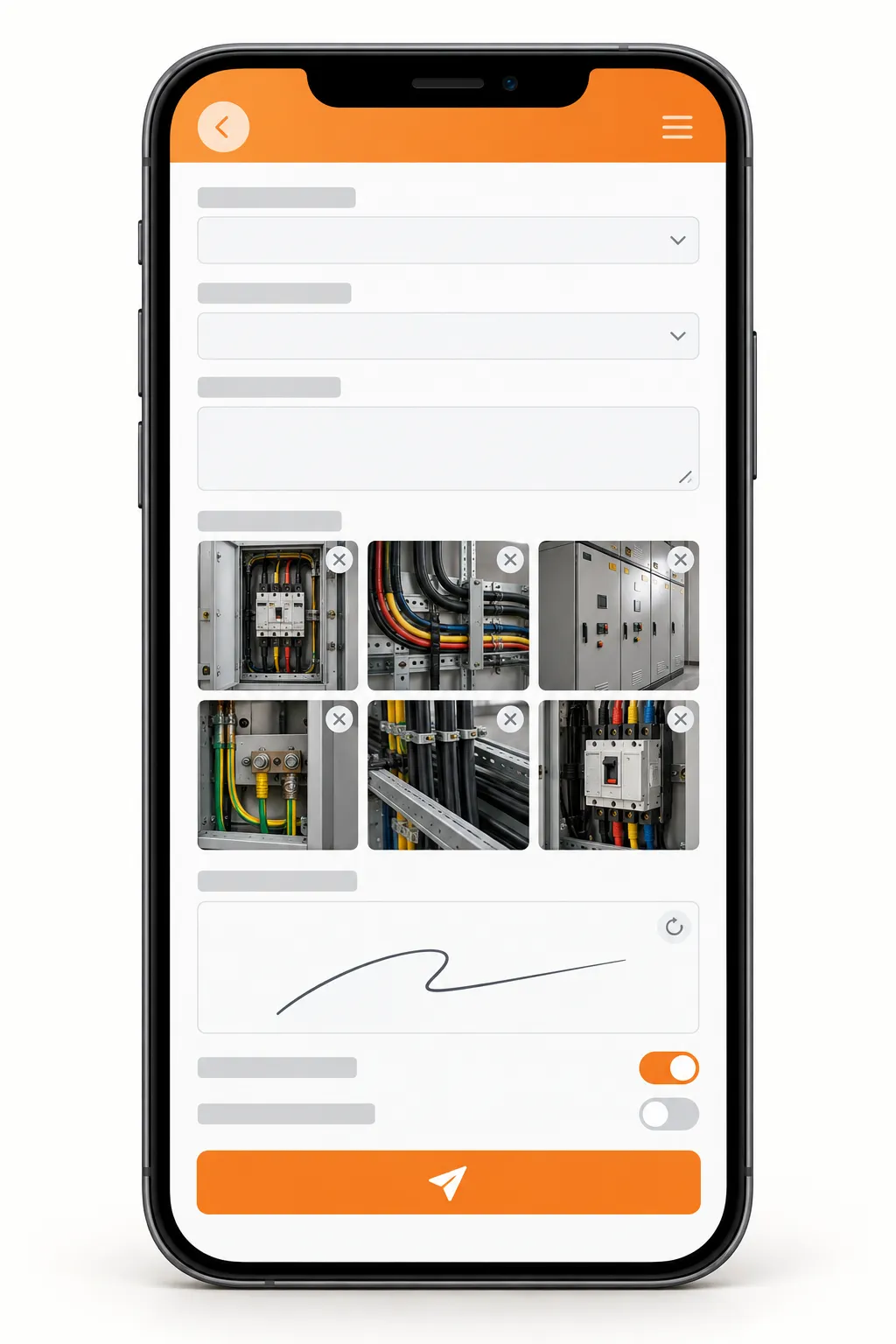
The supervisor assigns a job. On site, the technician checks in, works through a checklist and takes photos right inside each checklist item. The customer signs on the screen. The supervisor approves the report on the web, and the customer receives a PDF the same day.
- SupervisorAssigns the job
- TechnicianChecks in on sitetime · location
- TechnicianChecklist & photosworks offline
- AppCustomer signson screen
- SupervisorApproves reportweb
- AppPDF to customer
Decisions that mattered
Works without signal
Basements and rooftops have no connection. The app saves everything on the phone and sends it when the signal returns.
Photos belong to checklist items
A photo taken from inside an item stays attached to it, so the report shows exactly what was checked, not a loose album.
Sign-off on the spot
The customer signs before the technician leaves. No second visit, no chasing a signature by email.
What you get
- A technician app with checklists and photos
- Offline mode with automatic sync
- Customer signature on screen
- A supervisor web view to assign and approve
- A branded PDF report for the customer
- Job history per site or asset
What shapes the scope
- Number of job types and checklists
- Number of technicians and supervisors
- How much offline work is needed
- Connections to billing or asset systems
A studio concept with illustrative imagery. It shows how we plan this kind of work and makes no claim about a delivered client project.