

Retail Stock & Order App
Concept app for small shops to track stock, take orders and see daily sales in one place.
- Service
- Mobile App
- Status
- Concept
- Delivered by
- Studio concept
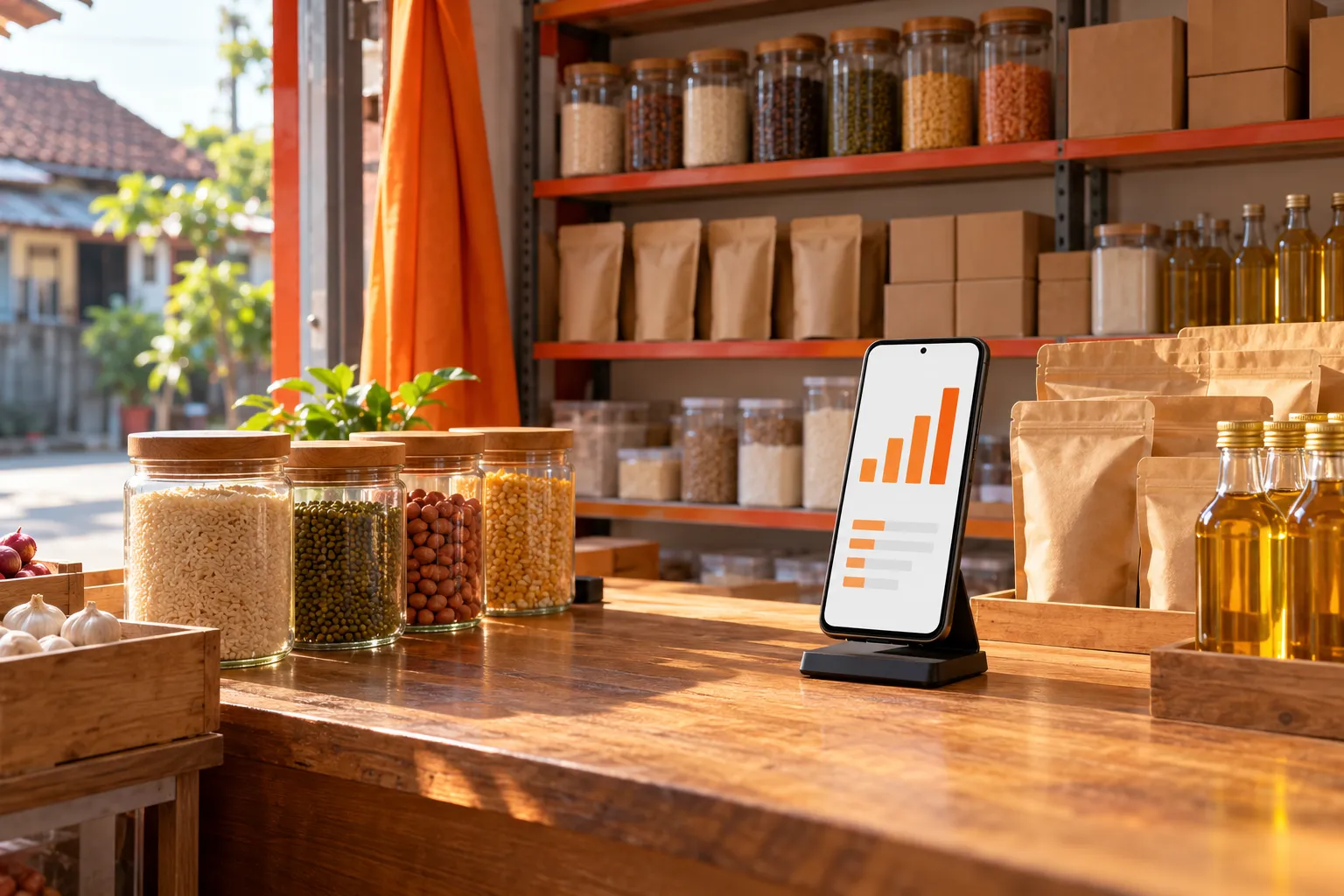
Stock lives in a notebook, orders arrive in chats, and the owner only learns the day's sales when the shop closes and someone counts. Running out of a best-seller is discovered by the customer.
About this concept
A studio concept for small shops: orders, stock and daily sales in one app. It is not a client project, and the imagery is generated.
How it works
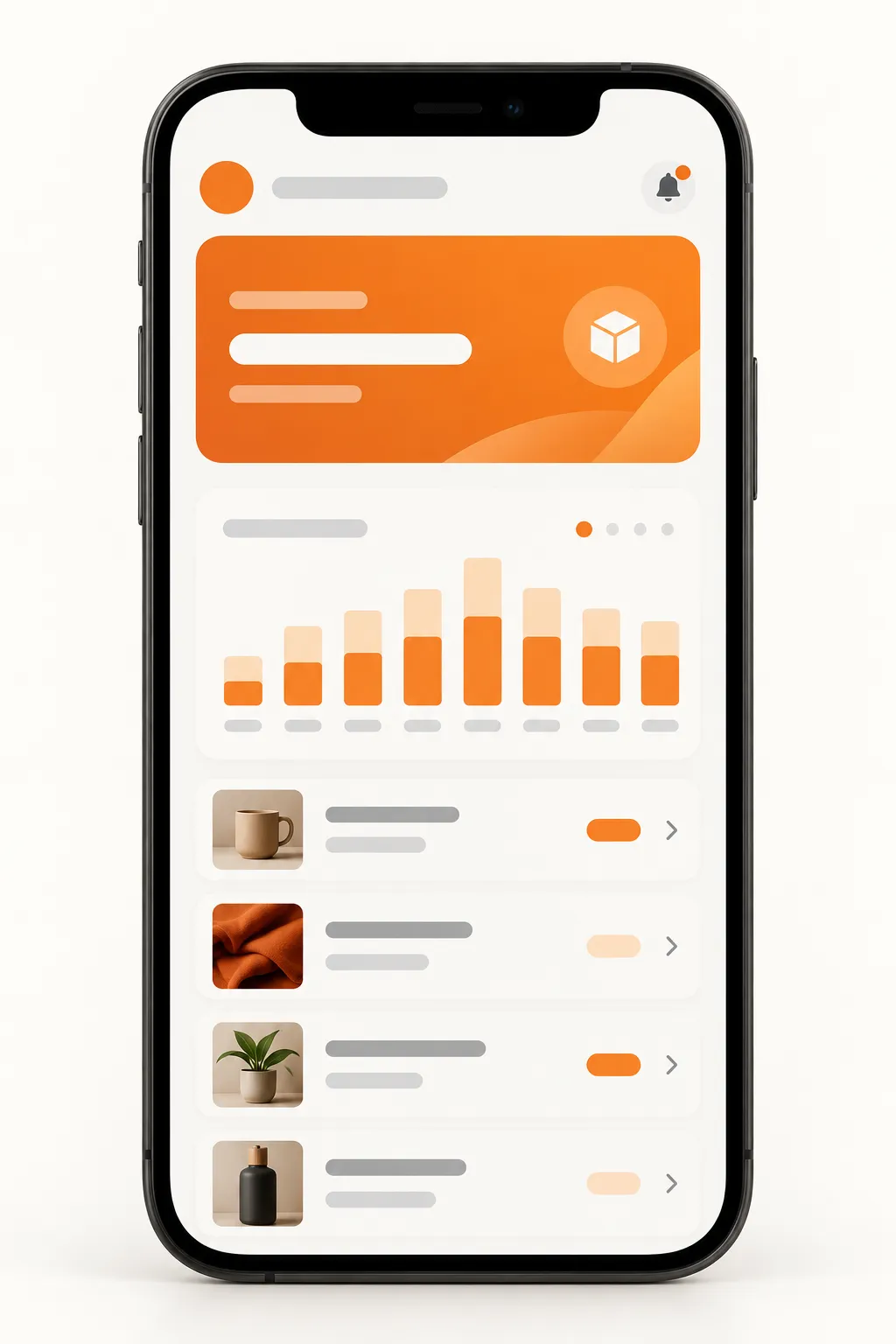
Staff record each order on one screen, from the counter or from a chat. Stock goes down by itself. When an item runs low, the owner gets an alert with the supplier's contact. At the end of the day, the sales summary is already on the owner's phone.
- CustomerOrderscounter · chat
- Shop staffRecords the orderone screen
- Shop staffStock updatesautomatic
- OwnerLow-stock alert
- OwnerDaily saleson the phone
- OwnerReorderssupplier contact
Decisions that mattered
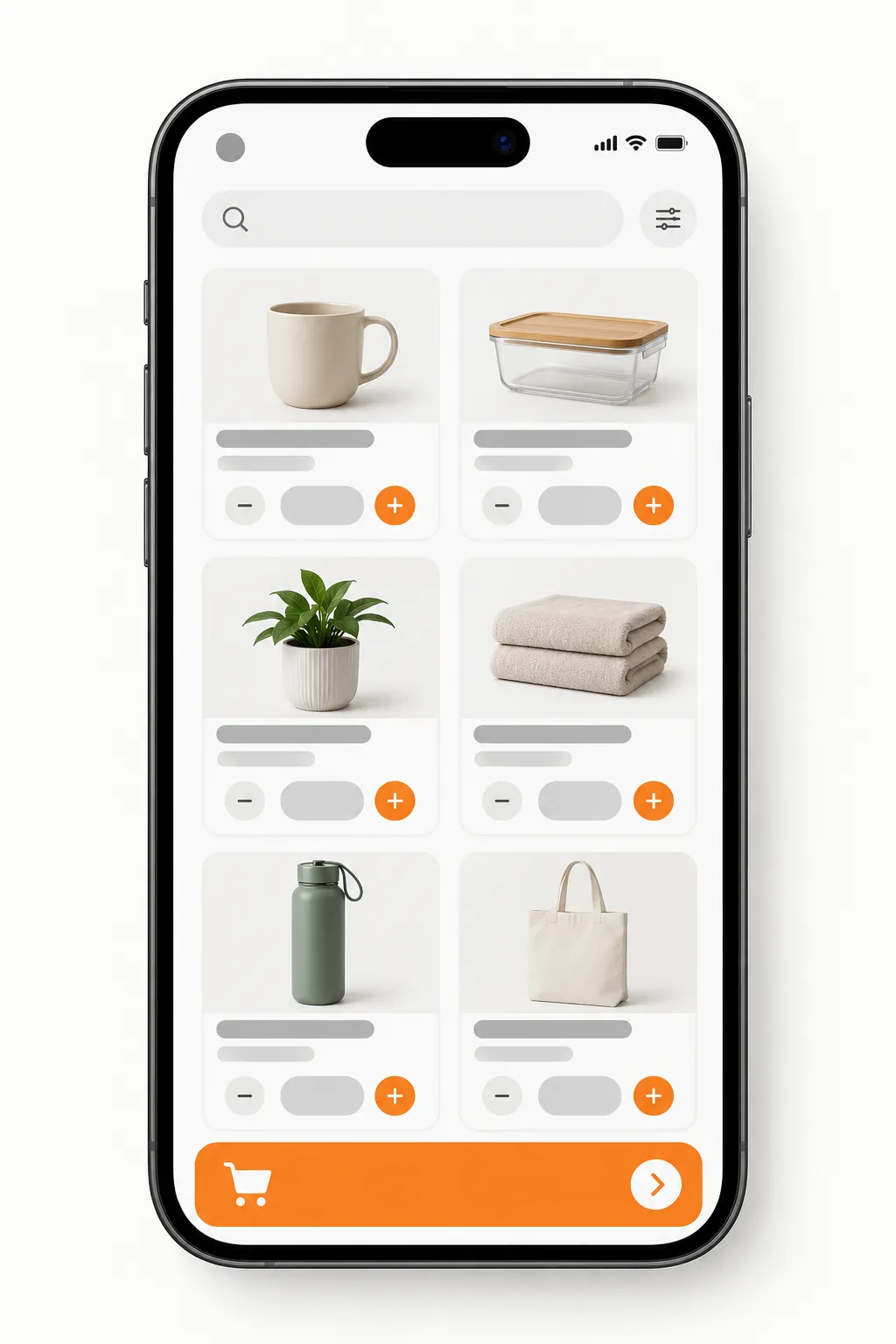
One screen to take an order
Staff serve customers while they type. Search, quantity, done: no menus to dig through.
Stock that updates itself
Every order lowers the count, so the number on screen matches the shelf without a separate stock-take.
The day's numbers come to the owner
A daily summary arrives on the owner's phone. No need to open the app to know how the day went.
What you get
- An order and stock app for staff
- Low-stock alerts with the supplier contact
- A daily sales summary for the owner
- Product list with prices and variants
- Staff accounts with simple roles
What shapes the scope
- Number of products and variants
- Number of shops or branches
- Barcode scanning
- Receipts, payments and tax
A studio concept with illustrative imagery. It shows how we plan this kind of work and makes no claim about a delivered client project.